Remove IZ Anypoint Chrome Extension
If you would like to remove the IZ Anypoint Chrome Extension, please follow the below steps:
-
Go to chrome extensions page by going to chrome://extensions URL
-
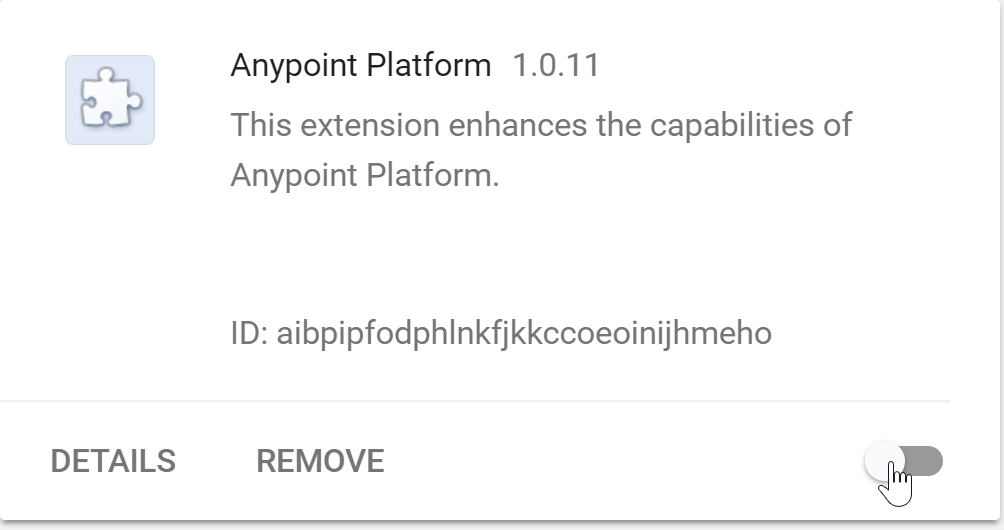
Click the button "REMOVE" in the plugin box for the IZ Anypoint Plugin to remove the plugin.
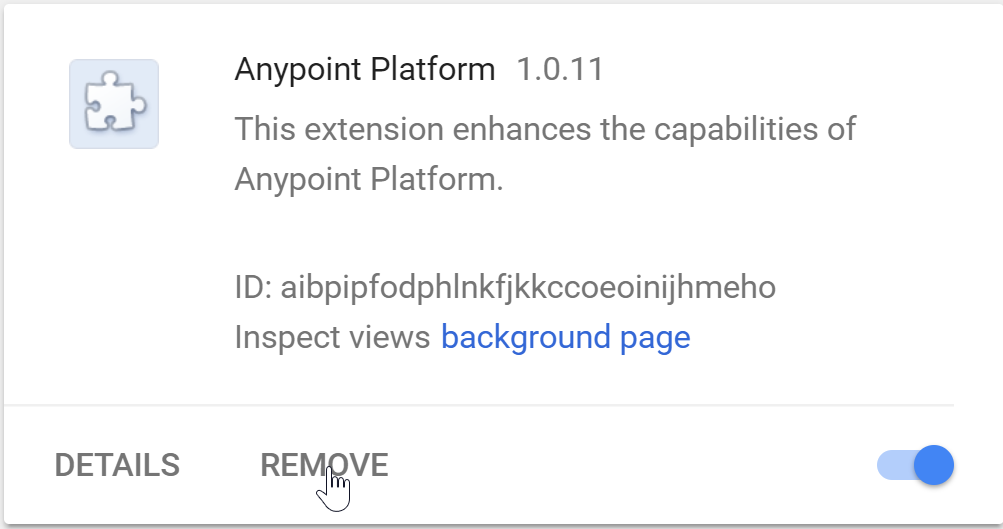
In case you just want to disable the extension and not remove it, you can toggle the plugin slide bar to deactivate the plugin. You can re-activate the plugin by toggling the extension again.