Scheduling Scans For External Repositories
Sync Repositories from External Sources - IZ Scan Sync Job
-
Navigate to
Schedules→Configure Schedule -
Choose
IZ Scan Syncjob type. This job will sync the repositories from the selected external sources. -
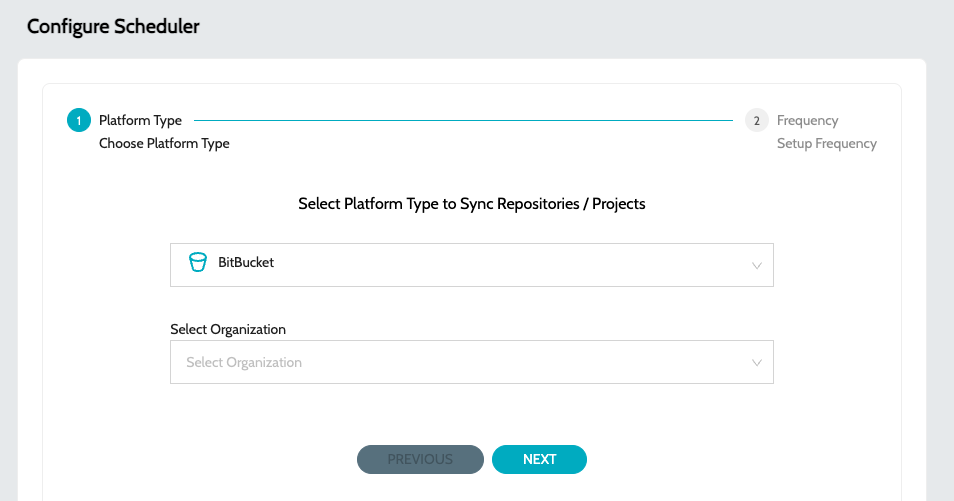
Select the external source and the organization
-
External Sources can either be -
-
BitBucket
-
GitHub
-
Anypoint Design Center
-
-
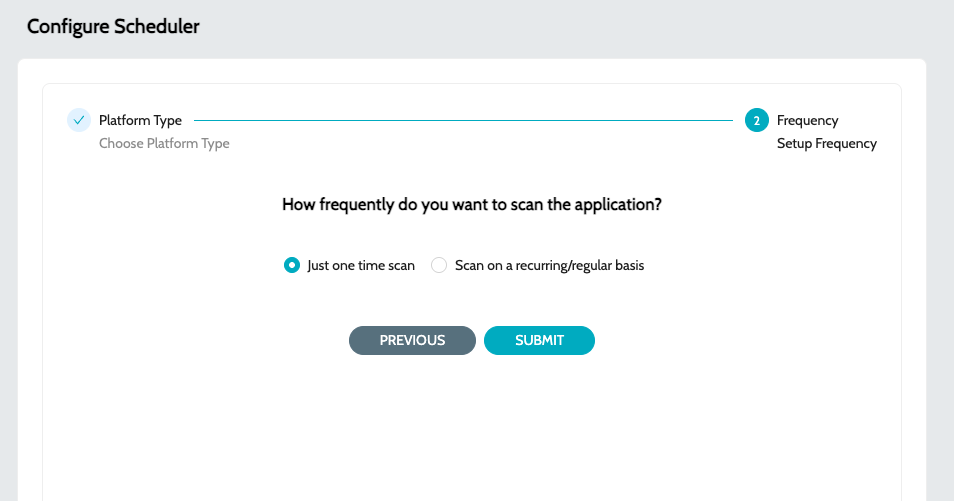
Select the required schedule. Schedule can either be -
-
One Time
-
Recurring
-
Configure Scan Schedules - IZ Scan Job
-
Navigate to
Schedules→Configure Schedule -
Choose
IZ Scanjob type. This job will scan the selected repositories. -
Select the external source and the organization
-
External Sources can either be -
-
BitBucket
-
GitHub
-
Anypoint Design Center
-
-
Select the required schedule. Schedule can either be -
-
One Time
-
Recurring
-